Edit Patient Details
Use this page to update demographic and clinical information for an existing patient.
Password-protected access
Editing patient details is restricted to authorised users. A password is required before this page can be opened. This helps prevent accidental or unauthorised modification or deletion of patient records.
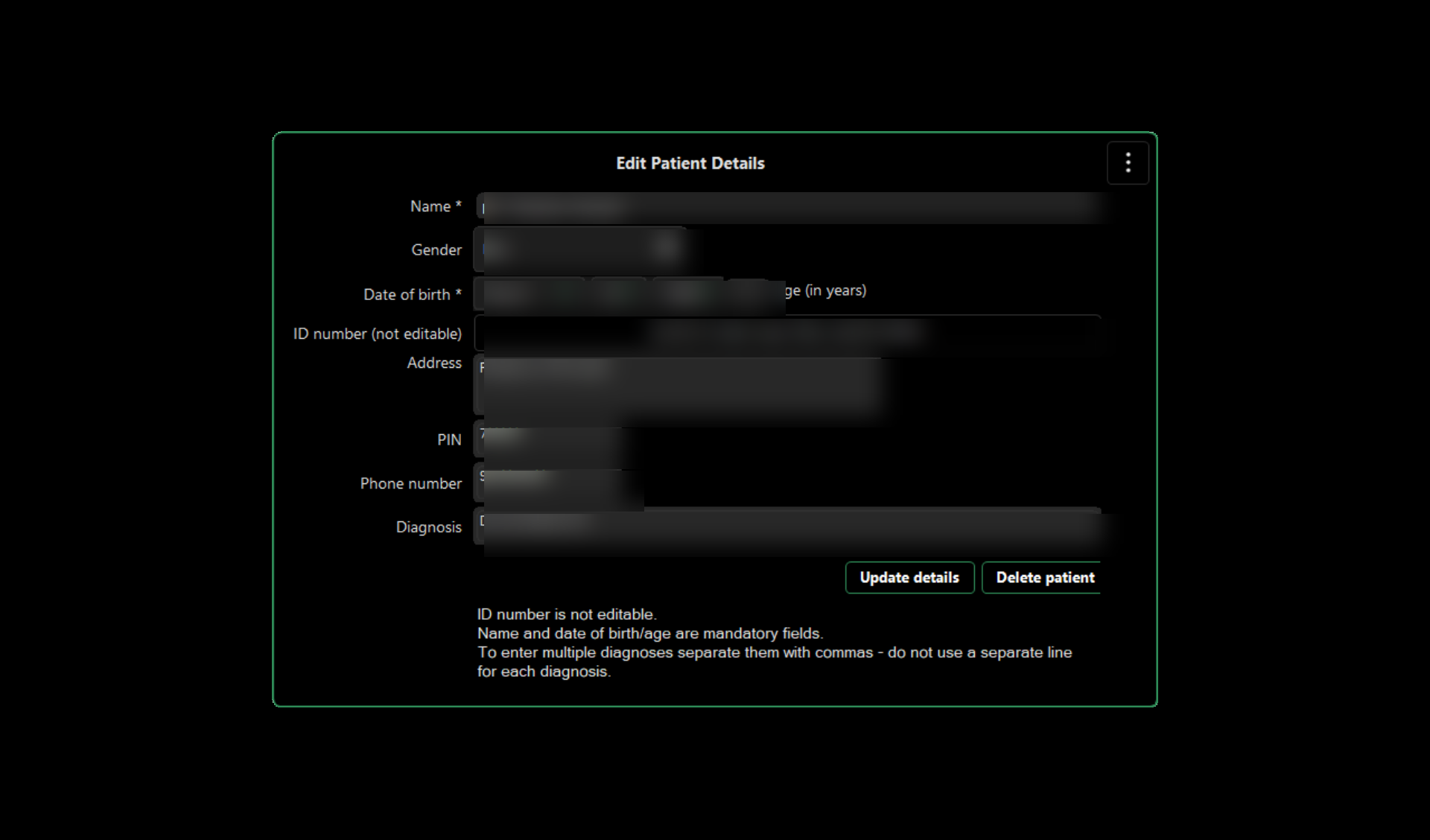
Patient information
Review and edit the patient's name, gender, date of birth, address, PIN, phone number and diagnosis as required.
Name and date of birth/age are mandatory fields.
Patient ID
The Patient ID uniquely identifies the patient record on the device and is shown for reference only. It cannot be edited from this page.
Diagnosis
Enter the relevant diagnosis or diagnoses for the patient. When entering more than one diagnosis, separate them with commas rather than placing each diagnosis on a new line.
Update details
After making the required changes, select Update details to save the revised patient information.
Deleting a patient
Delete patient removes the patient record. Use this option only when you are certain that the record should be deleted.
Patient information should be edited only when necessary and by authorised personnel.